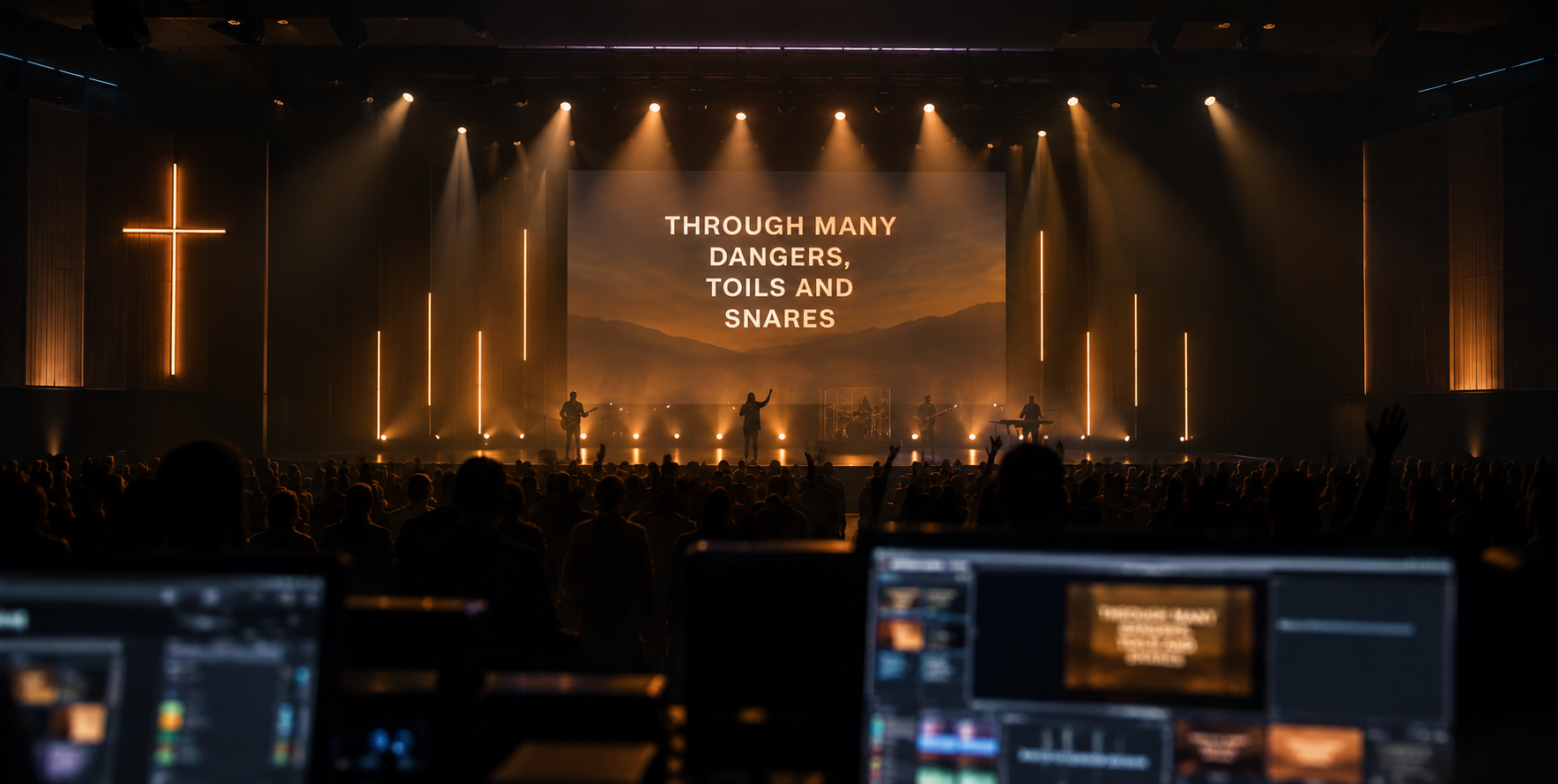
A media team that never misses a cue.
The AI Operator listens to the whole service and puts verses, lyrics and slides on screen by itself. You choose how much it does alone.
From mic to wall in under 0.3 seconds
Operator Core handles scripture, songs and slides together. It starts working on the first few words, checks the evidence against a verified Bible database, and only then touches the live output.
Full, Suggest or Off. Then set how far it goes.
Pick a mode for the whole service, then choose exactly which actions the AI is allowed to take on its own. Anything you switch off lands in the queue for you to approve.
Full: every action switched on here happens by itself. The rest waits for you.
Careful before it’s quick
Nothing reaches the wall until the evidence holds.
The smartest AI Operator
Every plan gets the standard AI Operator. Plus runs a more capable model with the highest AI limits, for churches where the preaching moves fast and quotes freely.
Compare plans →Questions about the AI Operator.
How does the AI Operator know which verse to show?
It listens to the sermon and recognises a reference when the preacher names it (“John 3 verse 16”), a verse when he reads it aloud, and a passage when he quotes or paraphrases it. It checks what it heard against the Bibles on your computer before anything reaches the screen, so the verse text always comes from a real Bible, never from the AI.
What do Full, Suggest and Off mean?
Full puts every verse up by itself: one the preacher names, one he reads along and one it is fairly sure of, and it moves song sections as the team sings. Suggest puts up a verse the preacher names and holds a reading or a guess as a card for you to send with one key. Off leaves every verse to you and shows its suggestions as a guide. You can also choose exactly which actions it may take alone.
What if it gets something wrong?
One key takes it down or puts up the right one, and you can take back control at any moment. A verse on the screen needs stronger evidence before it changes, so the wall does not flicker between passages.
Is the AI Operator on the free plan?
Yes. Every plan has it. Free runs it on Suggest, so a verse the preacher names goes up by itself and everything else waits for you; Pro and Plus can run it on Full. Plus uses the smartest Netics AI with the highest limits, for preaching that moves fast and quotes freely.
What happens if the internet drops?
The AI Operator keeps listening on the computer itself and steps down to Suggest, so verses the preacher names still go up and everything else waits for you. It tells you when this happens. When the connection has been steady for a while, it goes back to how you set it.
Which languages does it understand?
The AI Operator listens in English. It can show the verse in any Bible your church has, including the Yoruba, Igbo and Hausa Bibles on Pro and Plus.
Does it run songs and slides as well as Scripture?
Yes. The same AI Operator follows the worship team through each song and moves the sermon slides along with the preacher, so one operator screen covers the whole service.